
Introduction
For the initial Airdrop distributions we are using the Streamflow Platform.
- The Airdrops are bi-weekly, with hourly distributions.
- This schedule ensures that your earned $AMBIOS tokens are delivered while we work to implement a new Claim system directly within our My Wallet page.
- This upcoming feature will provide you the flexibility to decide whenever you want to claim your available $AMBIOS tokens. This implementation is targeted for completion in July.
How to claim your $AMBIOS on the Streamflow platform
To view and claim your $AMBIOS Airdrop (learn more here), please follow these steps:
1. Go to app.streamflow.finance.
2. Click the "Connect" button located in the top right corner of the page.
3. Connect the Solana Wallet that you linked to your Ambios account on the My Wallet page before the snapshot.
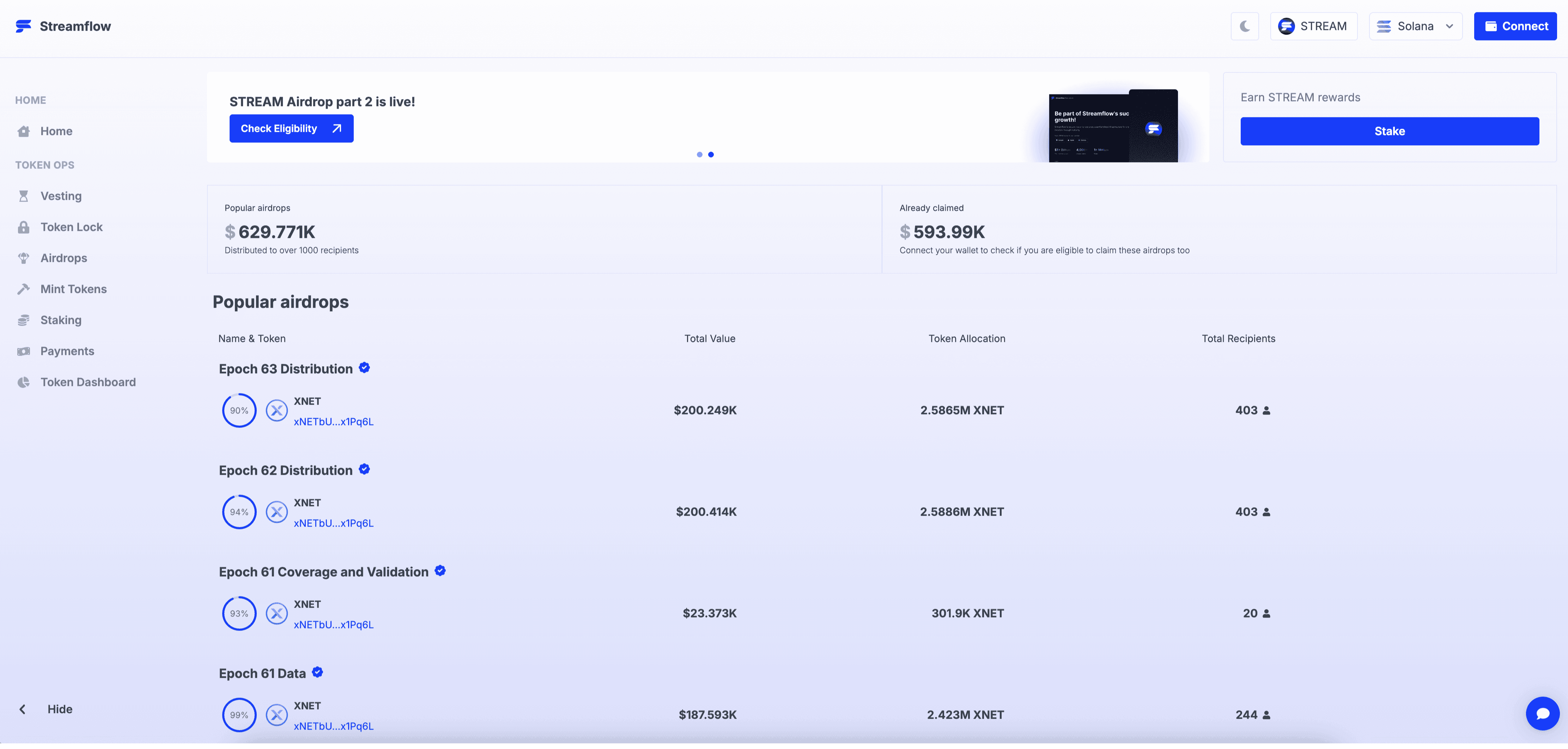
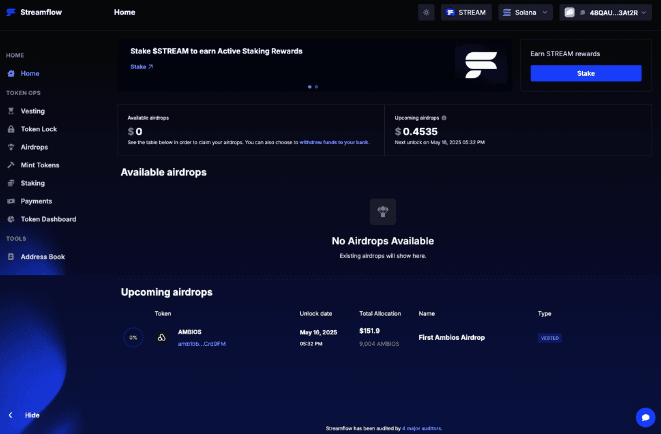
4. Once connected, your Airdrop will be visible in either the "Available Airdrop" or "Upcoming Airdrop" section.
5. Click on the Airdrop to see an overview, including the number of recipients, the amount claimed so far, and the total claimed.
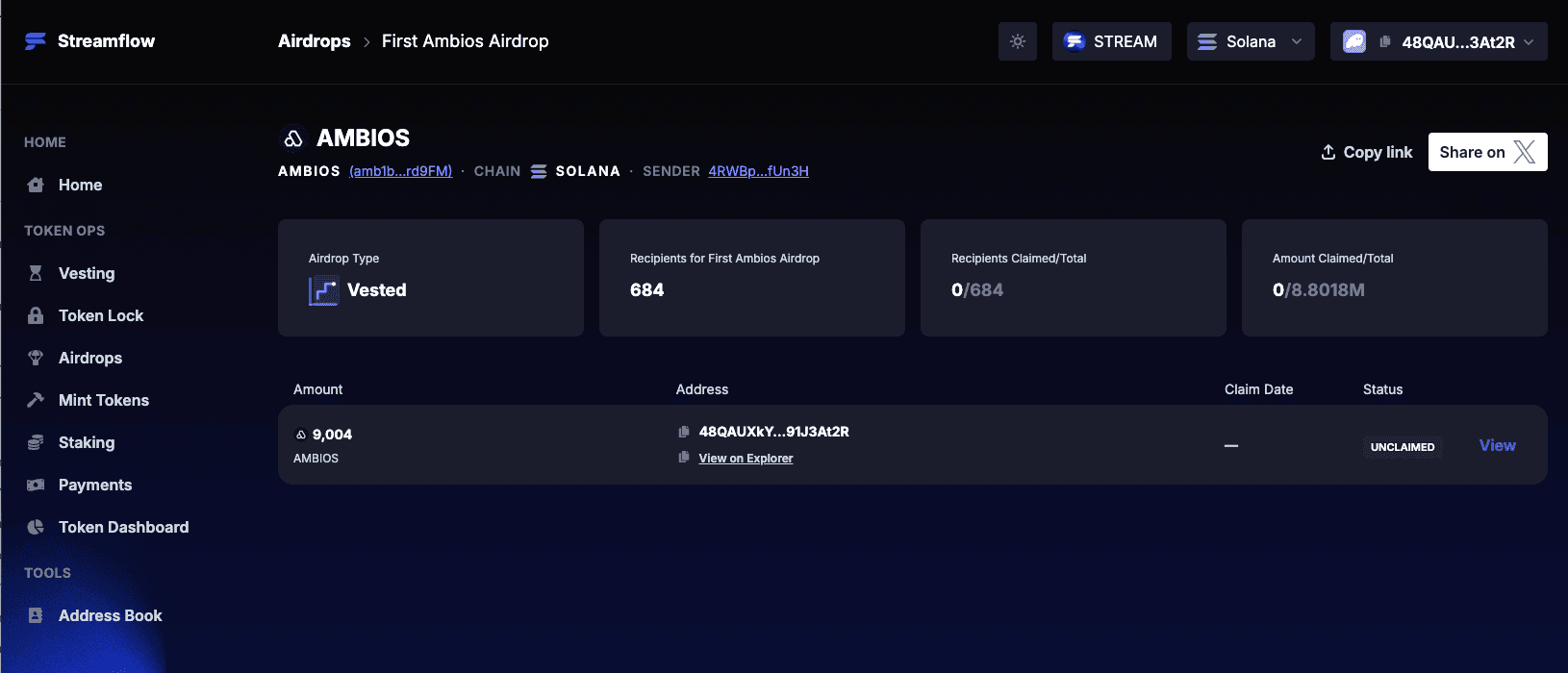
- For a detailed breakdown of your individual Airdrop allocation, click the "View" button
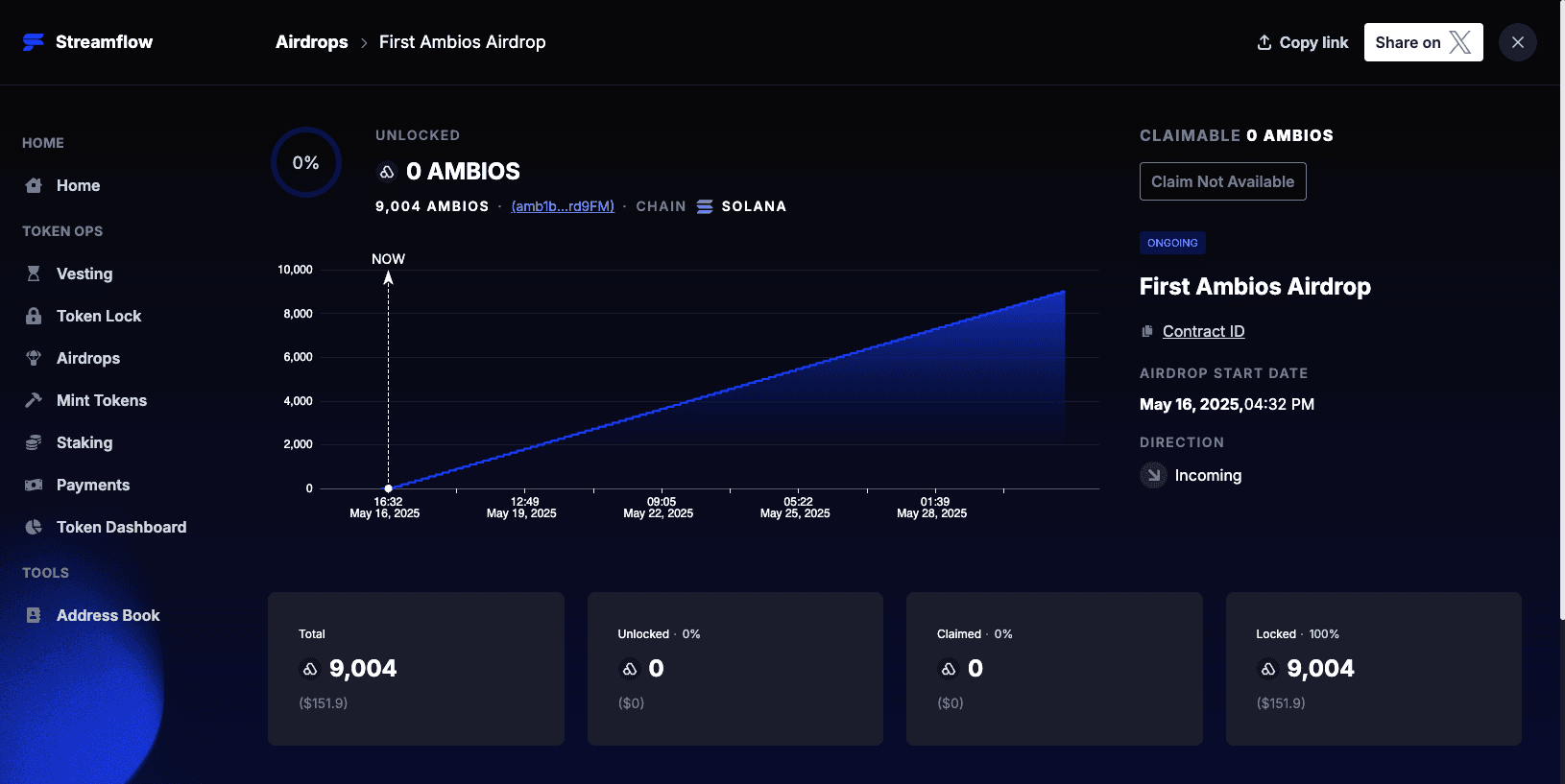
- When your initial allocation is available, a "Claim" button will appear. Click this button to confirm the transaction and send the $AMBIOS tokens to your connected Solana wallet.
Please remember that each claim transaction will require a small amount of SOL for gas fees.
Airdrop distribution links
Please note: Don’t worry, if you haven’t claimed your tokens from previous airdrops, your unclaimed allocations will be added in a one last Streamflow distribution.